an ai sidekick that shows you how
Stuck? Point at it.
Ask out loud or point on-screen. Kairo sees the problem and guides your next move.
Request alpha accessKairo sees what you mean.
Ask out loud or point on-screen. Kairo connects your question to the exact place you mean.
“Where are the preview controls?”
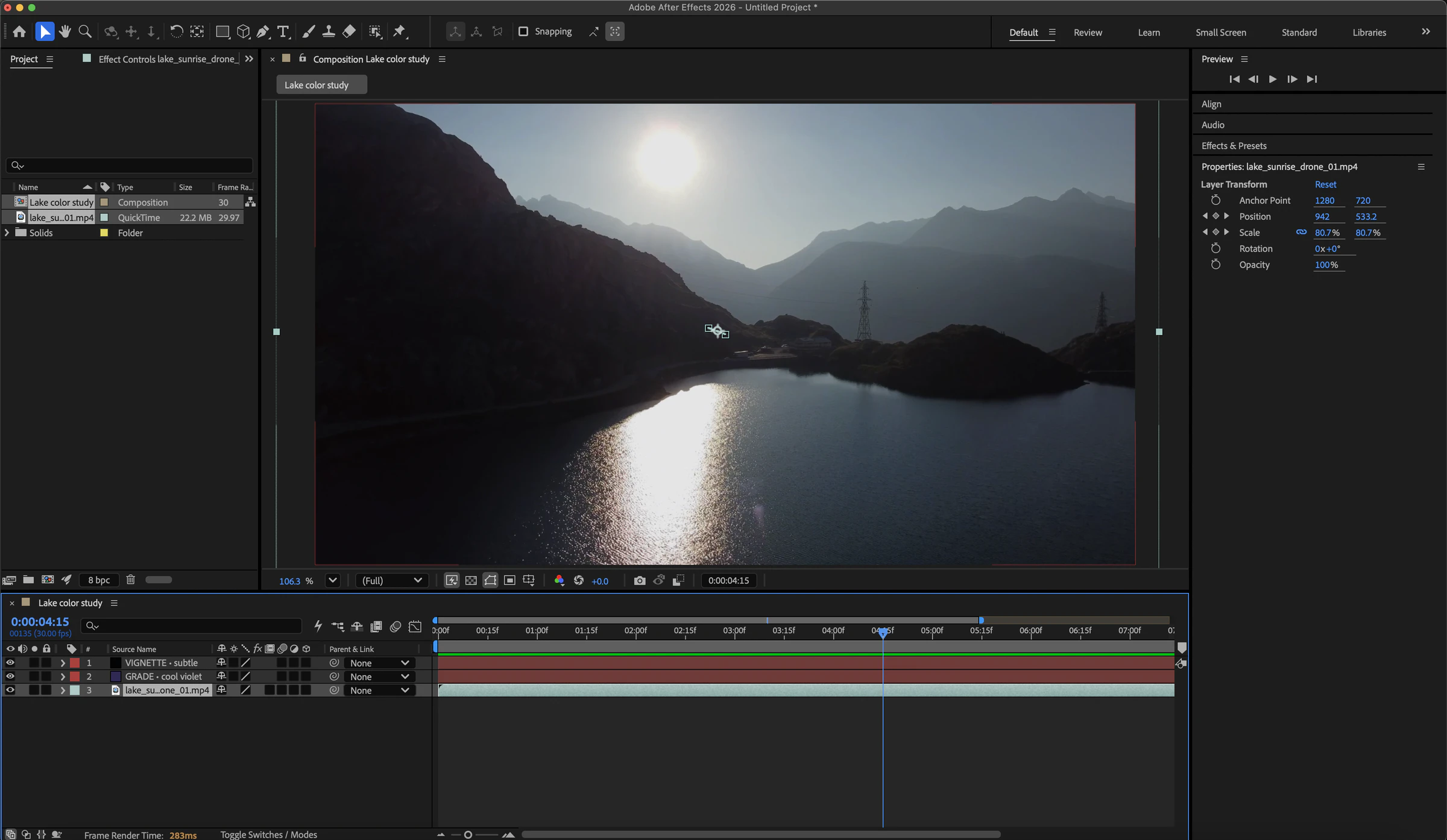
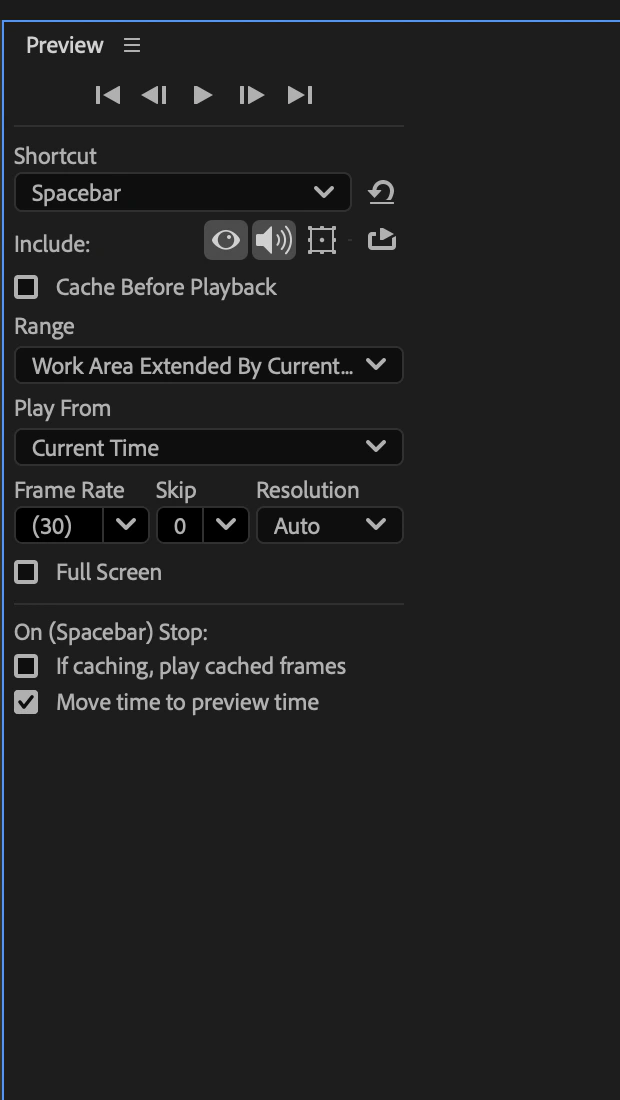
You ask, “Where are the preview controls?” Kairo sees the After Effects workspace and answers, “Open Preview in the right dock. That panel holds the playback controls.”
You make the move.
Kairo gives one next move, waits while you try it, then checks the result.
Kairo points
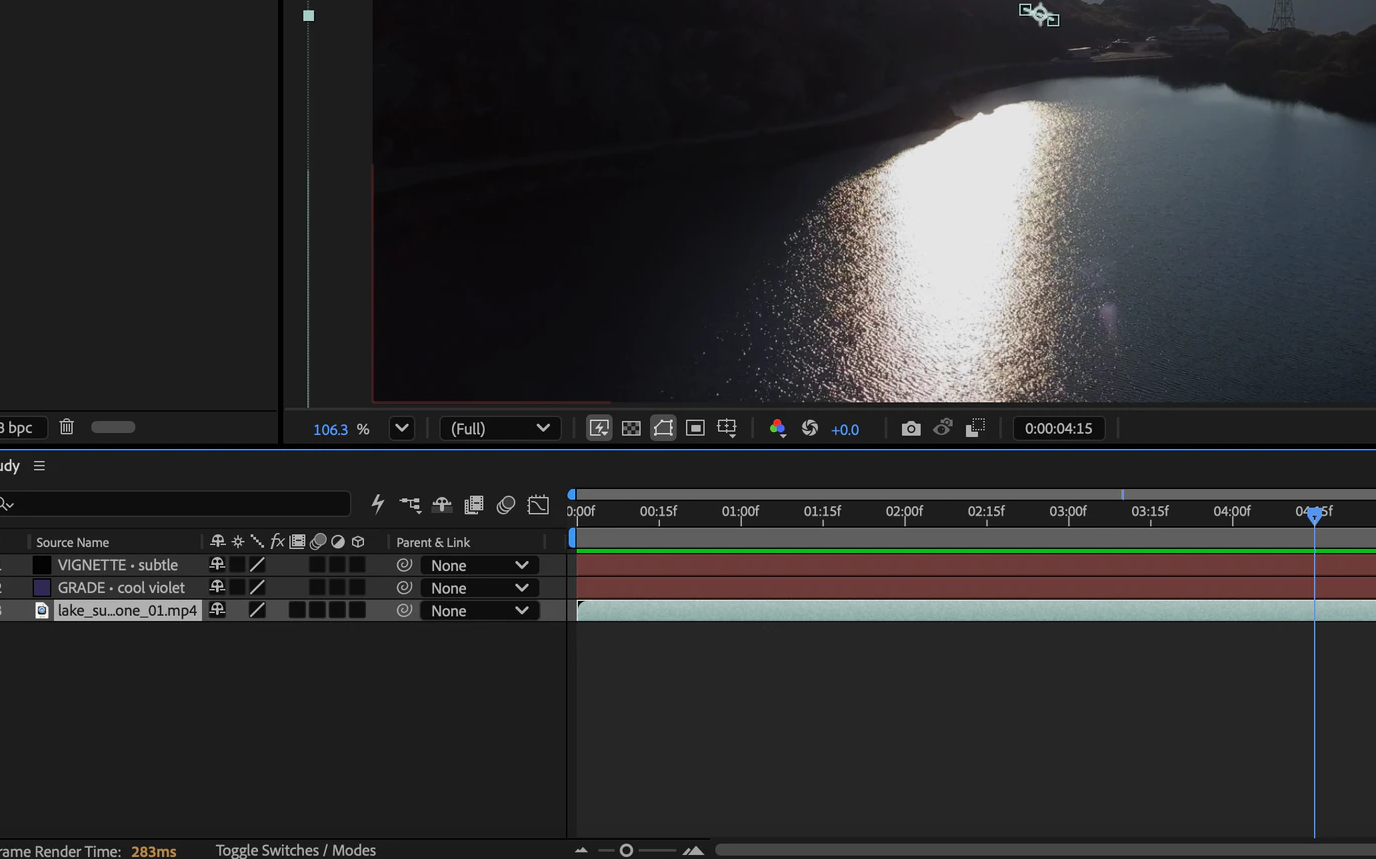
Kairo goes where you create.
Creative tools, code editors, dashboards, and anything else on your screen.
Kairo sees whatever you open.
Kairo can guide you inside creative apps, code editors, browsers, data tools, and whatever you open next.
Learn by doing. Built in the open.
See how Kairo works, help shape how it teaches, and learn with the earliest version.
We’re building Kairo for the moments tutorials miss: the exact place you get stuck.
Learn beside Kairo.
Join the first group helping us make screen tutoring genuinely useful.